
Skip to main contentSkip to accessibility statement
Back to ShopSimpliSafe Account Login
SimpliSafe Support Logo
  • SimpliSafe Support Logo
  • Product Support
  • Getting Started
  • Using Your System
  • Account & Billing

App Support

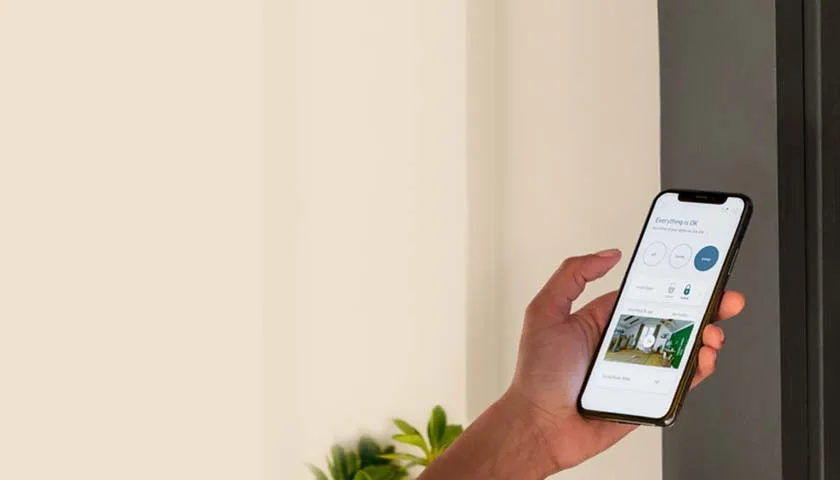
The SimpliSafe app will help you stay connected to your home, even when you’re away. Learn how to navigate the app and troubleshoot app errors here.

App Support Page Banner Image

Popular

  • How Do I set Up Push Notifications On My Smartphone?

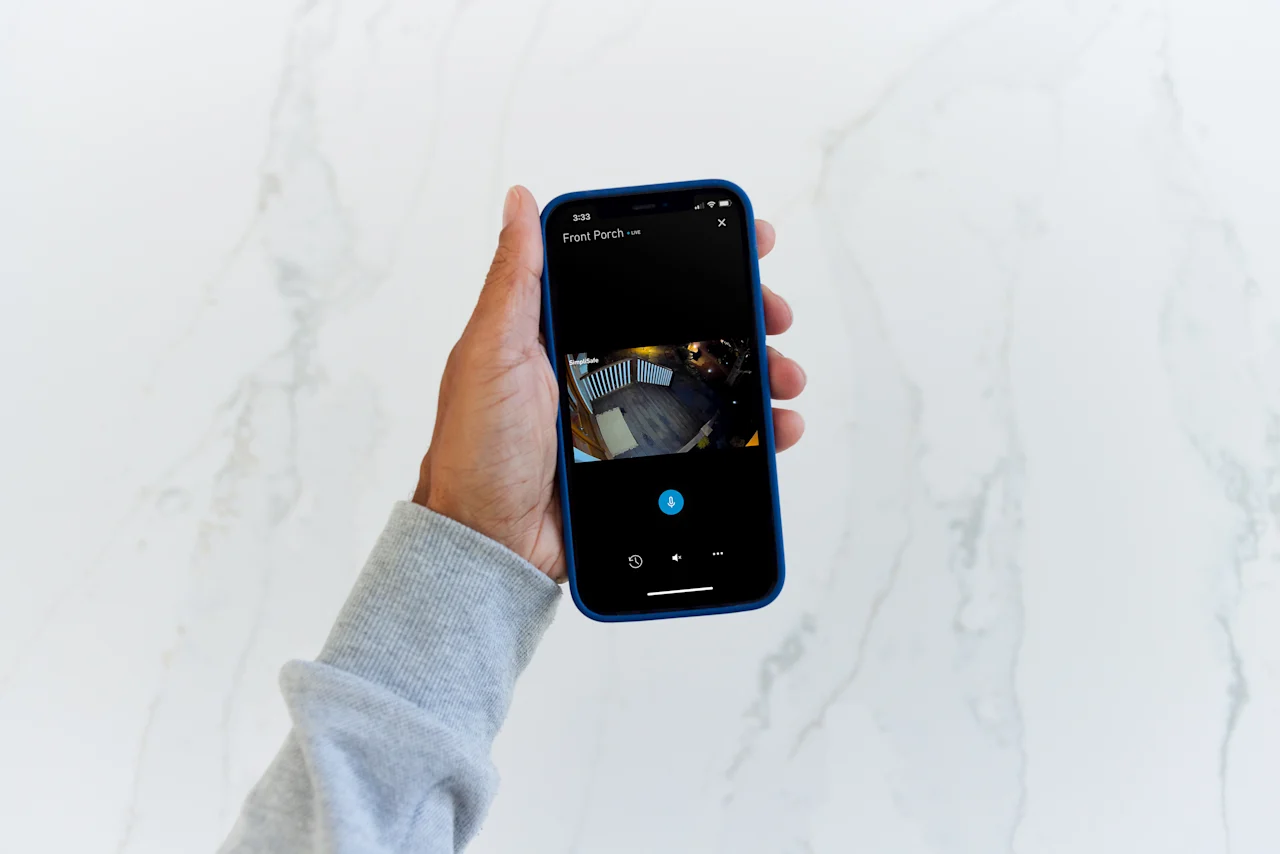
    For the SimpliSafe® mobile app to function properly, your smartphone must be on either iOS 17.0 or higher OR Android 12 or higher. You can make sure your phone’s software is up to date in your smartphone’s settings. What Are The Different Types of Push Notifications? There are th…
    Read More
  • Securing Your SimpliSafe® Account

    At SimpliSafe®, we take protecting your information as seriously as we do protecting your home. To help us keep you protected, we’ve implemented Account Verification with 2-Step Verification and Multi-Factor Authentication (MFA) for all new accounts. This means that any time you…

    Read More
  • Snooze Notifications for SimpliSafe® Cameras

    Tired of motion notifications from your camera when you’re doing garden work or hanging with friends, and don’t want to have to disable your camera for a reprieve? With Snooze Notifications, you’ll be able to temporarily pause receiving notifications on your account for a set per…

    Read More

Filter by

Filter by

No articles found.
  • Product Support
  • Getting Started
  • Using Your System
  • Alarm & Monitoring
  • Wi-Fi Troubleshooting
  • Account & Billing
  • Moving Support
  • Orders & Warranty
  • App Support
  • Business Security
  • Shop
  • Contact Us

© 2026 SimpliSafe, Inc.

  • Legal
  • Privacy
  • Blog
  • Accessibility Statement