
Skip to main contentSkip to accessibility statement
Back to ShopSimpliSafe® Account Login
SimpliSafe Support Logo
  • SimpliSafe Support Logo
  • Product Support
  • Getting Started
  • Using Your System
  • Account & Billing

Using Your System

We’re on a mission to make your home and family more secure. Not sure where to start? This section will provide you with helpful resources and additional information on setting up and using your SimpliSafe® system.

Using Your System

Popular

  • What is the difference between Home Mode and Away Mode?

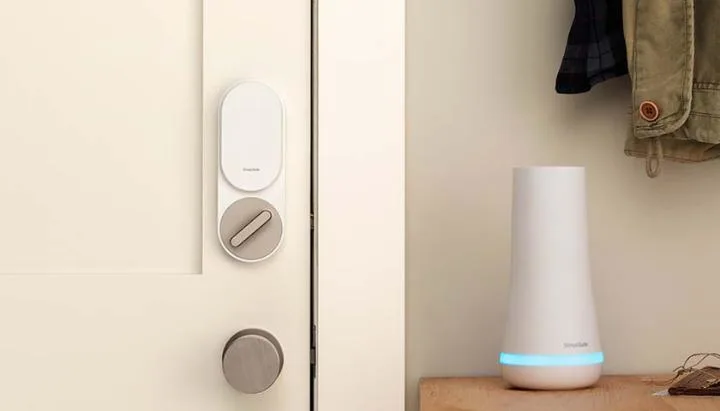
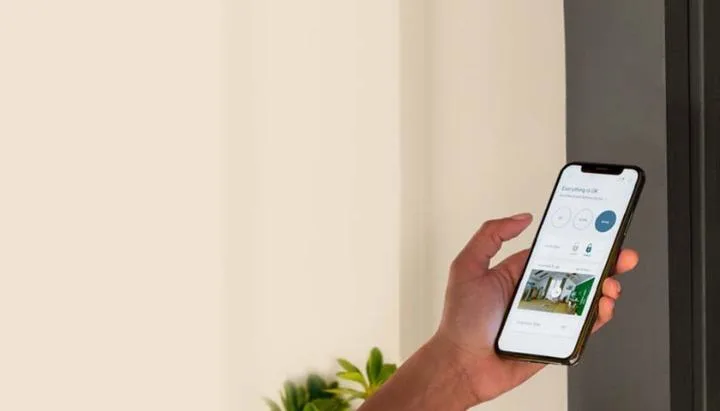
    The SimpliSafe® security system has three states: Off, Home, and Away. Home and Away both mean the system is armed, but different products are active in each mode. You can change the device settings for each mode at any time via the SimpliSafe® Mobile App, but the default setting…
    Read More
  • Device and Sensor Settings

    Changing Device Settings Device Settings are sensor-specific settings. If you are looking to change your System Settings—which refer to settings for your entire system, like Wi-Fi connection and chime and siren volumes—please visit our Base Station and System Settings article. Ea…

    Read More
  • Securing Your SimpliSafe® Account

    At SimpliSafe®, we take protecting your information as seriously as we do protecting your home. To help us keep you protected, we’ve implemented Account Verification with 2-Step Verification and Multi-Factor Authentication (MFA) for all new accounts. This means that any time you…

    Read More

Filter by

Filter by

No articles found.
  • Product Support
  • Getting Started
  • Using Your System
  • Alarm & Monitoring
  • Wi-Fi Troubleshooting
  • Account & Billing
  • Moving Support
  • Orders & Warranty
  • App Support
  • Business Security
  • Shop
  • Contact Us

© 2026 SimpliSafe, Inc.

California Residents - Do Not Sell My Personal Information

  • Legal
  • Privacy
  • Blog
  • Accessibility Statement